Fold-Away Focus: Clever Nooks for Compact Home Offices
Make every inch earn its keep with fold-down desks and adaptable wall systems that transform tight corners into calm, productive zones. We’ll explore smart hardware, modular storage, ergonomic tricks, cable discipline, and real-world makeovers so your workspace appears when duty calls and neatly disappears when life resumes. Expect actionable details, small-space psychology, and friendly prompts to share your own before-and-after snapshots, measurements, and aha moments, helping others discover how a tiny nook can feel surprisingly generous.


Why Small Corners Deliver Big Productivity
Shrinking your workspace can sharpen your focus, especially when a fold-down desktop opens with intention and a wall system frames only what matters. Limited surfaces reduce distraction, while vertical organization keeps work visible without overwhelming sightlines. With mindful lighting and tidy cables, these compact setups encourage short, decisive bursts of effort and easy shutdown rituals. When your desk folds away, your mind also closes the workday, reinforcing healthy boundaries in homes where life and labor sometimes collide.
Smart Furniture Choices That Disappear When You’re Done
Choosing the right fold-down desk means balancing sturdiness, dimensions, and closure depth so a closed panel does not crowd a hallway or door swing. Wall systems should adapt as projects change, offering adjustable shelves, rails, and bins that evolve with you. Consider load ratings, hinge quality, and the feel of daily use. A dependable close feels satisfying, almost like a book cover finding its place, while rounded corners and durable finishes safeguard knees, elbows, and laptops in tight quarters.
Hardware You Can Trust Under Daily Use
Look for stainless or zinc-plated folding brackets with generous load ratings and built-in soft-close dampers. Continuous piano hinges distribute weight along the edge, reducing wobble and squeaks. Wall anchors matter just as much: hit studs where possible, and use structural toggles when you cannot. A recessed magnetic catch keeps the panel snug when closed, avoiding accidental drops. Over time, reliable hardware turns your desk into a friendly companion instead of an unpredictable contraption demanding constant attention.
Right-Sized Surfaces for Laptops and Monitors
For most laptops, a surface depth of 16 to 20 inches provides comfortable wrist space without protruding into walkways. If you mount a monitor arm to the wall system, you can reduce desktop depth while maintaining ergonomic viewing distances. Widths from 28 to 36 inches accommodate notebooks, a mouse, and a coffee without edge anxiety. Ensure knee clearance of at least 24 inches, and leave interior cord channels so devices can stay plugged in even when the desk folds.
Finishes That Survive Coffee, Cords, and Kids
High-pressure laminate resists stains and stays easy to wipe, while matte finishes reduce glare on video calls. Edge banding protects corners from chips and spares sleeves from snagging. If you love wood, consider durable oil-wax hybrids that shrug off rings yet keep a natural feel. On vertical panels, washable paint beats delicate lacquers, especially near bag hooks. Choose textures that hide fingerprints but still feel welcoming, so touching your workspace becomes part of the daily pleasure, not a cleanup chore.
Vertical Storage That Works Harder Than Floor Space
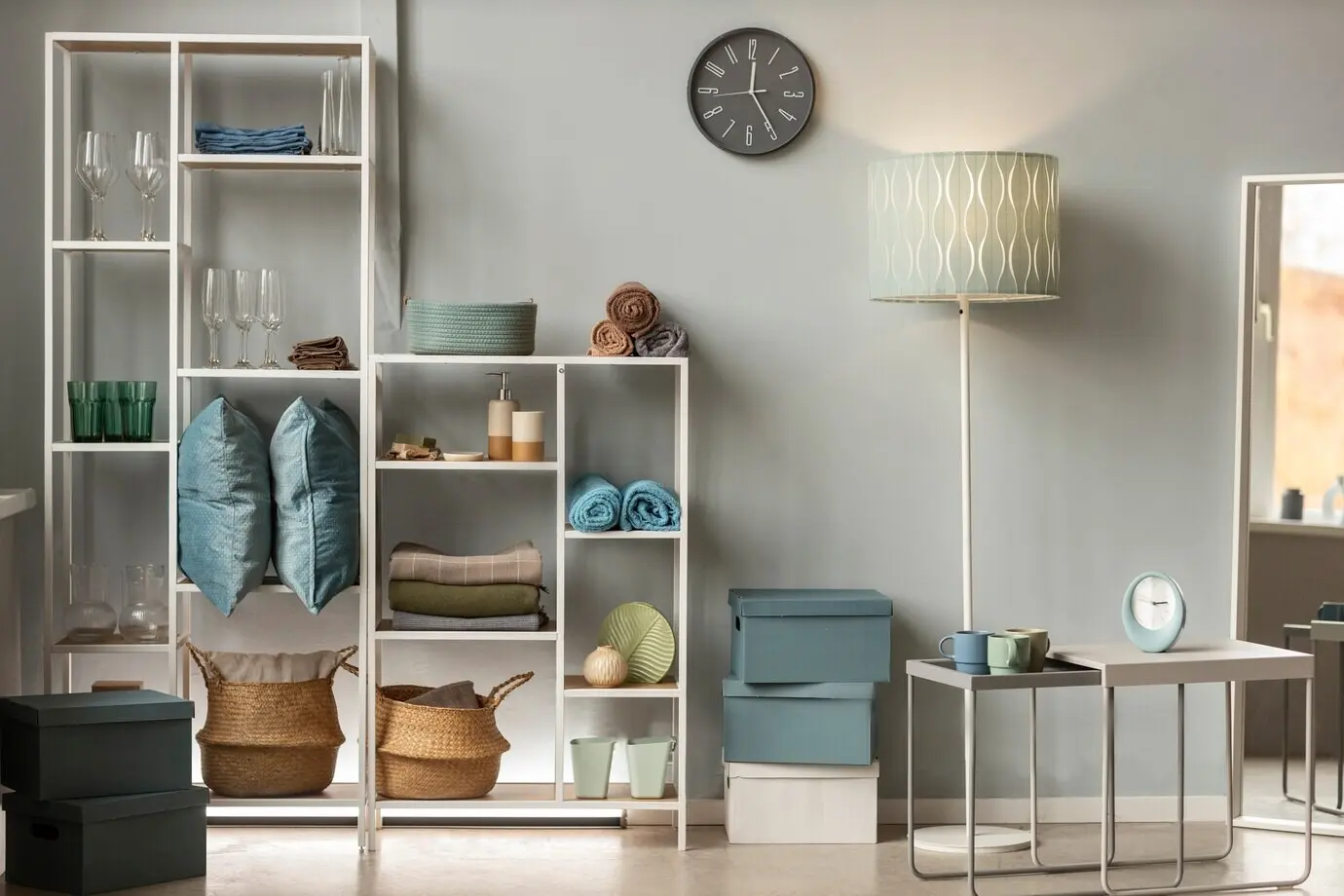
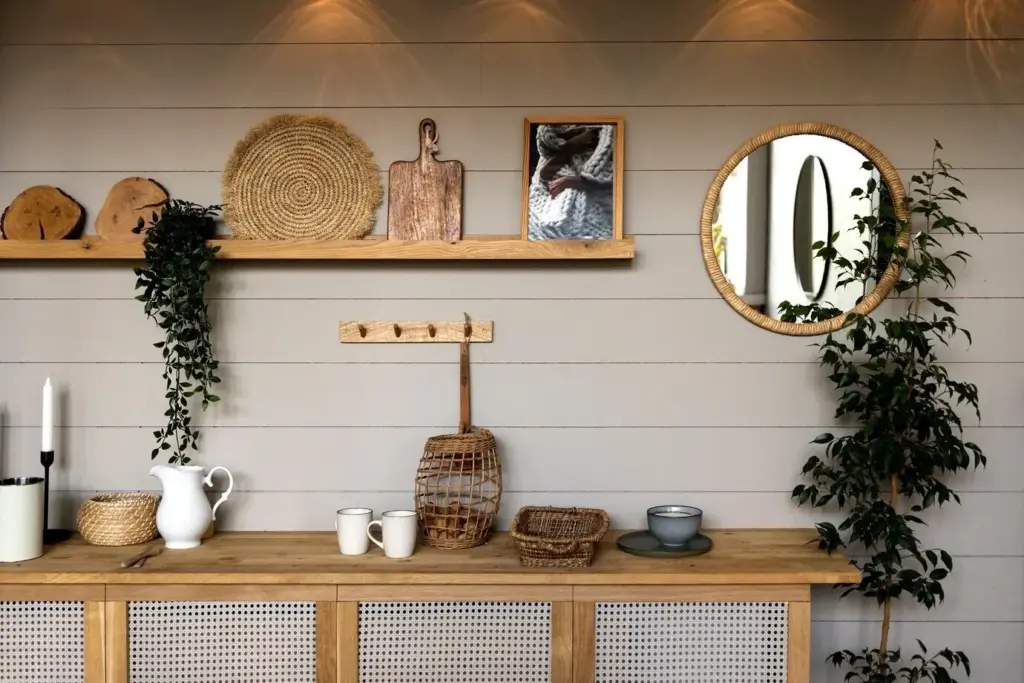
Wall systems extend capacity upward, freeing floors for circulation and chairs. Rails allow shelves, bins, and hooks to slide where you need them, keeping everyday tools neck-high and seldom-used supplies up top. Pegboards accept evolving layouts, while shallow cabinets hide clutter without stealing room depth. Mix closed and open modules to balance display and discretion. When the desk folds, your wall remains quietly composed, ready for family life, yoga stretches, or a quick dance break between deadlines and dinner.


Ergonomics Without Square Footage to Spare
Healthy posture is achievable even in tight nooks when dimensions are deliberate. Aim for elbows near ninety degrees, screen tops at or slightly below eye level, and feet fully supported. A wall-mounted monitor arm reclaims desktop depth, while a compact keyboard tray saves wrists. Use layered lighting: ambient for room glow, task for focused work, and a front-fill for flattering calls. Each decision, from seat height to edge radius, compounds into comfort you notice after long sessions.
Power, Data, and the Tidy Cable Blueprint
Good cable management makes compact workstations feel luxurious. Place outlets where plugs can remain connected even when the surface closes, and route cords through discreet grommets. Use slim surge protectors with right-angle plugs, adhesive raceways that match wall color, and velcro wraps labeled for quick swaps. Mount docks under the surface to free space, and test every movement to ensure nothing pinches. Stable power, clean lines, and smart charging turn an improvised corner into a dependable command center.
Outlet Placement and Charging Ecosystems
Aim for an outlet near desk height, not floor level, so adapters avoid bending stress. Consider a compact power strip with USB-C Power Delivery to charge laptops without bulky bricks. A magnetic cable mount on the underside keeps connectors at hand when the desk folds. If you share the nook, color-code cables to end confusion. Build a habit of returning cords to their clips before closing; that single step protects insulation, preserves ports, and prevents knots from multiplying overnight.
Raceways, Grommets, and Dock Placement
Paintable adhesive raceways blend into walls and keep wires from dangling across knee space. A flush grommet on the desk surface lets peripherals pass through neatly, while a compact dock mounts beneath, reducing clutter. Leave a gentle service loop so cables flex freely as the panel lifts. Keep power bricks off the floor to protect them from vacuum collisions. With anchors and zip ties placed thoughtfully, your nook remains silent and still, even during energetic bursts of folding and unfolding.
Wi‑Fi Strength and Interference Checkpoints
Tight corners sometimes sit behind thick walls or appliances that weaken signals. Test speed with the desk open and closed; hinges or metal panels can reflect wireless waves. If performance dips, add a mesh node or relocate the router higher. Avoid coiling long USB cables near power strips to reduce electronic noise. Choose Bluetooth peripherals known for strong connections. By tuning your network and accessory layout, video meetings stay crisp, backups finish on schedule, and focus never stalls on buffering screens.
Stories from Tight Spaces That Now Feel Spacious
Real-life examples show how design details add up. Across apartments, cottages, and student rooms, fold-down desks paired with modular wall systems unlock niche corners, odd alcoves, and hallway bumps. People report lighter mornings, cleaner evenings, and surprising delight when guests cannot find the office because it vanishes. Read these snapshots, borrow measurements, and share your own photos or questions in the comments. Your insight might solve someone else’s puzzle, and theirs may spark your next micro-upgrade.
All Rights Reserved.